Scan with your phone camera to open this download page on the handset you play on.
Download the 8890k app for weak signals and slow data
The 8890k app is the phone build of the site. It keeps the lobby on your handset, so the game list opens before the cover art finishes loading on a 3G line. The file is 32 MB, version 2.1.20, and free.
Deposits through bKash, Nagad, Rocket, Upay and bank transfer. · 18+ · Play Responsibly
What the 8890k app keeps one tap away
Six things you will touch before and after every deposit. None of them needs a second app, and none needs a browser tab left open in the background.
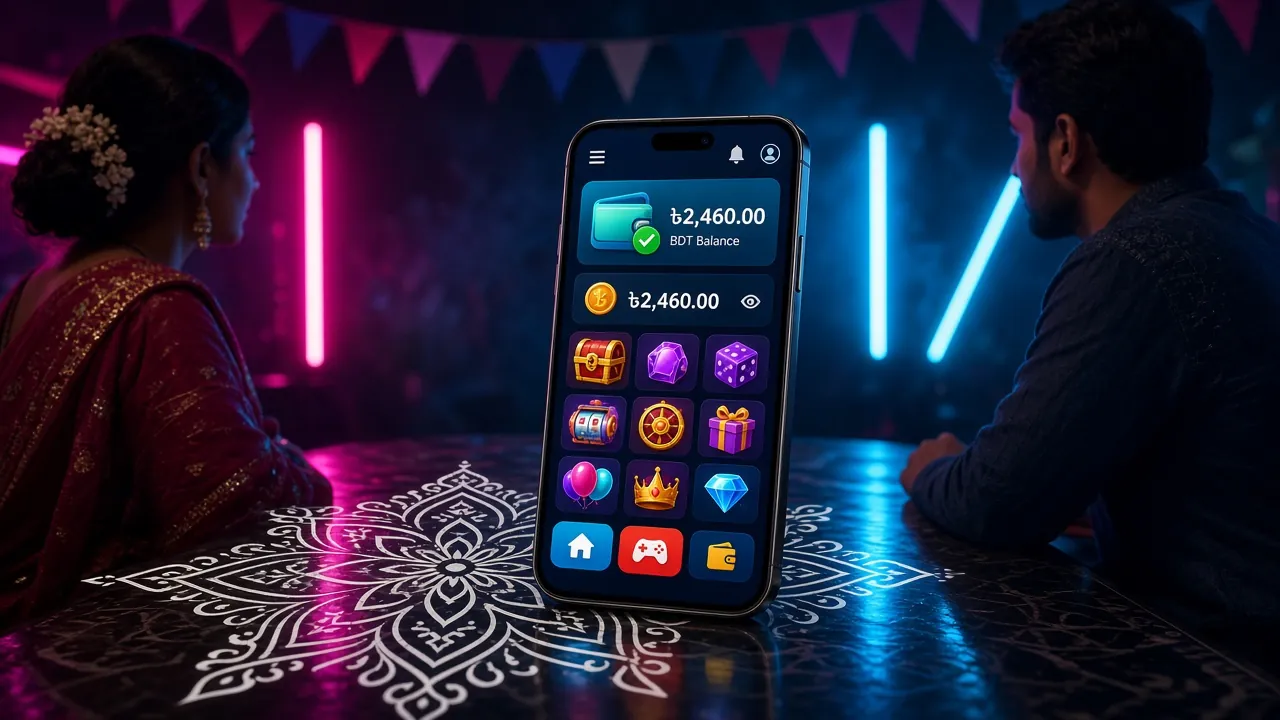
Lobby that opens before the signal settles
The app keeps the lobby shell on your phone. Next time you open 8890k, the game list appears first and the cover art fills in behind it. On a 3G line in Dhaka traffic, that gap decides whether you get a round in.
Cashier without leaving the app
bKash, Nagad, Rocket, Upay and bank transfer sit on one cashier screen. A deposit usually lands in about 2 minutes, so you can top up between two live hands without switching tabs. Bonus balance and limits show above the buttons.
Data saver, already switched on
Turn on data saver and the app skips heavy lobby art, autoplay previews and long intro reels. Useful in the last week of your monthly pack, when you still want a few slots rounds without buying more data. The rest of the app works as normal.
Cricket and casino under one login
Cricket markets and casino tables share one login. Check a BPL or T20 price, then drop into a Teen Patti room without leaving the app. Around 1,300 games from PG Soft, Habanero, Evolution, KA Gaming and Sexy Gaming. Same wallet, same balance.
Cashback you can actually read
Daily cashback sits in the wallet view with the date next to it, and VIP progress is on the same screen. Silver, Gold and Platinum show what turnover still stands between you and the next ৳900 or ৳2,600 birthday bonus.
Live chat in the corner
24/7 live chat opens from the account screen. Password resets, KYC uploads and deposits that have not landed are handled there, day or night. No email address, no ticket number, and no waiting until office hours.
Slots, live tables, crash and cricket in one lobby
The lobby splits into slots, live casino, crash and sports. PG Soft and Habanero carry the slot floor, Evolution runs the live tables, and KA Gaming and Sexy Gaming fill in the card rooms. Two of the games installed most often on Bangladeshi phones:


App or browser: pick the one that fits your day
Both routes reach the same account, the same balance and the same ৳300 minimum deposit. The difference is how much work your phone does to get you there. Here is the honest split.
| What you are doing | Installed 8890k app | Mobile browser |
|---|---|---|
| Opening the lobby on 3G | Game list shows first, art loads behind it | Full page load every visit |
| Data used per session | Lower with data saver on | Full images and video each time |
| Cashier | bKash and Nagad on one screen | Same options, more taps |
| Staying signed in | Stays signed in until you log out | Often asks for the password again |
| Cricket market alerts | Notifications when you allow them | No notifications |
| Space on the phone | 32 MB install, no extra download packs | Nothing installed |
| Updates | Install the newer APK over the old copy | Always the newest build |
| Best for | Daily play on a weak signal | A borrowed phone or a one-off bet |
Rule of thumb: install the 8890k app on the handset you use daily, and keep the browser for a borrowed phone or a friend's device where you do not want to leave a session open.
Check these four things before you tap install
What the file asks for
Storage, so the lobby and game files can be cached; network access for the cashier and live tables; notifications if you want cricket alerts. Contacts, SMS and call logs are not part of the install. If a permissions screen asks for them, you are not installing our file.
Where the file comes from
Download 8890k.apk only from 8890k.org/download/8890k.apk. The size is 32 MB and the version reads 2.1.20 inside the app. Copies forwarded through Telegram groups or Facebook pages are not ours, and nobody here can vouch for them. Check the size before you install.
Documents stay inside KYC
Your NID, passport or driving licence is uploaded once, before your first withdrawal, and reviewed in about 12 hours. Keep the photo sharp and the corners visible. Withdrawal limits and account details are checked against it. Nothing is stored on the app itself.
Lock the phone, then the account
Use a screen lock and a PIN you do not share. Never read an OTP to anyone, including a caller who says they are from support. Playing is for adults only, 18 and over. Log out of the app on a shared or resold phone before you hand it over.
Install the APK on Android in five steps
The install takes about a minute on most phones. You need Android 8.0 or newer and room for a 32 MB file. The five steps below also cover the case where the install button refuses to appear at all.
-
Allow your browser to install files
Open Settings, then Apps, then Special access, then Install unknown apps. Pick the browser you download with, Chrome on most phones, and allow installs from it. Without this, Android hides the install button and the file just sits in Downloads.
-
Download 8890k.apk
Tap the Download APK button on this page. The file arrives as 8890k.apk and should read 32 MB when it finishes. If the download stops at a smaller size, delete it and start again on a stable Wi-Fi line.
-
Open the file and install
Open Files, go to Downloads and tap 8890k.apk. Play Protect may warn you once because the app does not come from Play Store. Continue only if the file came from 8890k.org, then let the installer finish.
-
Sign in with your usual details
Open the app and log in with the phone number and password from your 8890k account. No account yet? Register, finish KYC when asked, then log in. The ৳300 minimum deposit is the same inside the app.
-
Update without losing anything
When a new build lands, download the APK and install it over the old copy. Wallet, bonus progress and bet history stay where they are. Do not uninstall first unless the phone reports a signature conflict.
On iPhone and iPad: add it to the home screen
There is no iOS install file, so the 8890k app runs as a Safari web app. Open 8890k.org in Safari, tap the Share icon, choose Add to Home Screen, then tap Add. The new icon opens the site without the Safari bars and keeps you signed in. bKash deposits, live tables and bonus pages all work the same way.
Download the file that matches your phone
One APK covers every supported Android handset. Check the numbers below before you install, and confirm your phone clears the Android version.
| Version | 2.1.20 |
|---|---|
| File size | 32 MB |
| Android minimum | Android 8.0 or newer |
| Last updated | 12 November 2026 |
| Price | Free |
| Languages | English, Bangla |
8890k.apk · 32 MB · v2.1.20
- Android 8.0 or newer, with roughly 60 MB free while the file installs.
- A bKash, Nagad, Rocket, Upay or bank account in your own name for the cashier.
- A phone number you will keep, because login and password resets use it.
- Permission for your browser to install apps, covered in step one above.
On Android 7 or older, skip the install and use the mobile browser. The cashier, the live tables and the ৳300 minimum deposit are identical there.
When the install stalls, work down this list
Most failed installs on Android land in one of five places. Work down the list before you open live chat; it usually saves a wait.
| What you see | Why it happens | What to do |
|---|---|---|
| App not installed | An older or damaged copy is still on the phone, or the security scan blocked the file | Delete every older 8890k APK in Downloads, download again from 8890k.org, then choose Install anyway after the scan warning |
| Parse error | The download stopped early, so the file is under 32 MB, or the phone runs Android 7 | Check the file size first. If it is short, re-download on Wi-Fi. If the phone is below Android 8.0, switch to the mobile browser |
| Download freezes near the halfway mark | The signal switches between 3G and Wi-Fi while the file is transferring | Stay on one network, keep the screen on and let it finish. A download manager or a hotspot from a second phone also works |
| Install button is greyed out | Unknown sources were allowed for a different app than the one opening the file | Go to Settings, Apps, Special access, Install unknown apps, and allow the file manager or browser you actually use |
| App opens but login fails | A cached session from an older build, or the number was typed with a country code | Clear the app cache, then log in with the 11-digit number. Still stuck? 24/7 live chat can reset the password after a quick check |